
Card design
Anki Type in the Answer for Language Learning
Set up Anki type-in-the-answer cards for spelling, inflections, and Cloze prompts, with copyable templates, comparison behavior, and mobile checks.
Anki's type in the answer feature adds an input box to a card and compares what you typed with one target field. For language learning, use it when exact spelling, an inflected form, or a short constrained expression is the skill. Do not use it for broad translation prompts that have several correct answers.
Typing makes a review slower and more exact. That is useful when exactness is the point; it is friction when comprehension or listening recognition is the point.
When typed answers help language learning
Use a typed-answer card for:
- spelling a high-value word;
- producing one verb form from a specific cue;
- entering a short phrase whose wording is constrained;
- checking an accent or diacritic when it changes the word;
- completing a Cloze deletion with one expected answer.
Skip typing for:
- translating a natural sentence with many valid phrasings;
- speaking practice, where pronunciation and speed matter more than keyboard output;
- listening recognition, where the main question is “did I understand it?”;
- long sentences or multi-line responses;
- every new card by default.
Anki's official typed-answer documentation says the comparison supports one field and one line. It also does not grade the card for you: after seeing the comparison, you still choose the review rating.
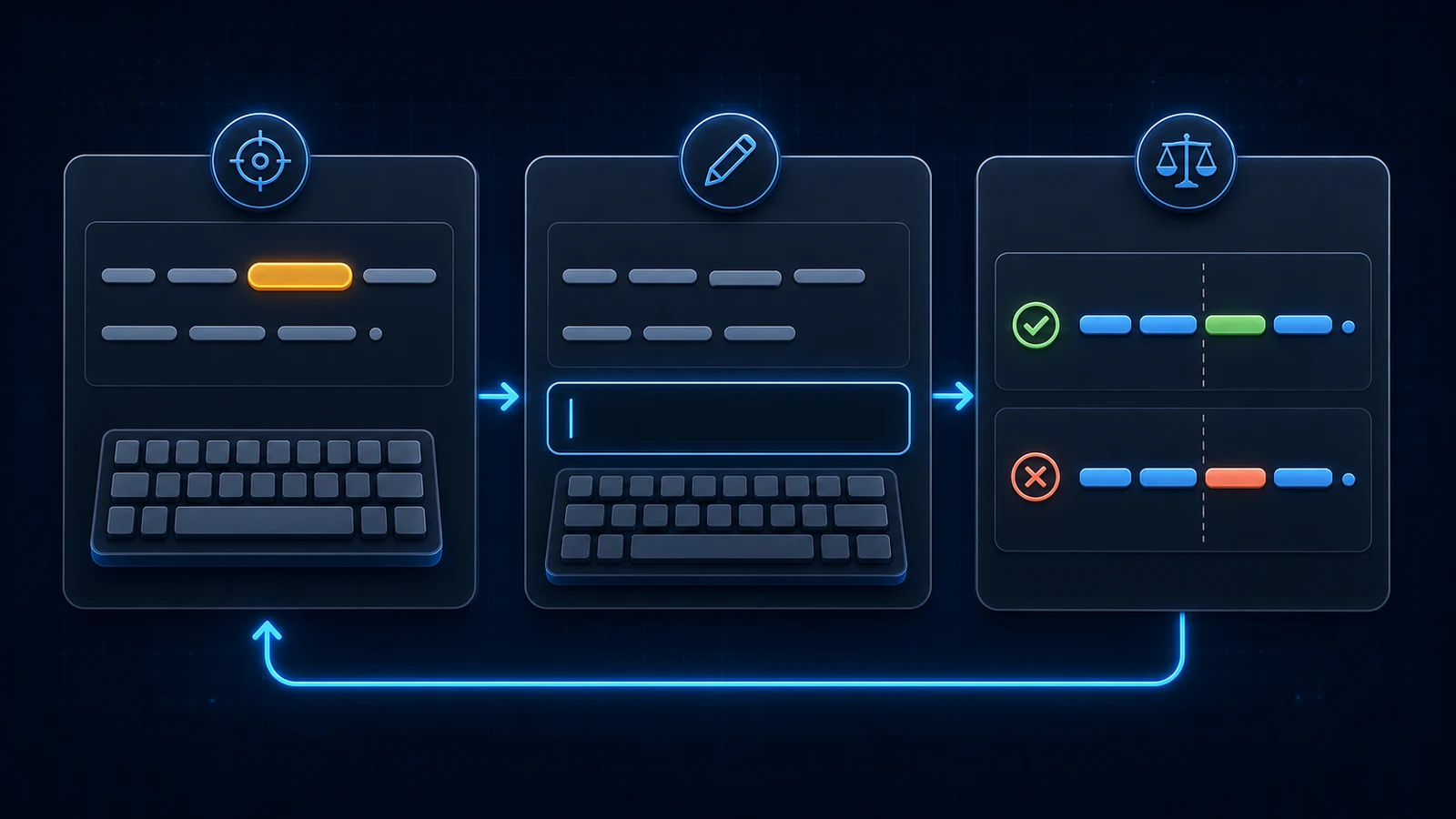
Set up “type in the answer” on a Basic card
The fastest route is Anki's built-in Basic (type in the answer) note type. For an existing language note type, add the type: filter to the field you want to compare.
Suppose the note has these fields:
| Field | Example |
|---|---|
| ProductionPrompt | Complete the phrase: “It depends ___ the situation.” |
| Answer | on |
| Sentence | It depends on the situation. |
| Meaning | The result changes according to the situation. |
| Audio | [sound:depends-on.mp3] |
| Source | Lesson 4 · 03:18 |
Front template
<div class="prompt">{{ProductionPrompt}}</div>
<div class="type-answer">{{type:Answer}}</div>
Back template
{{FrontSide}}
<hr id=answer>

<div class="sentence">{{Sentence}}</div>
{{#Meaning}}<div class="meaning">{{Meaning}}</div>{{/Meaning}}
{{#Audio}}<div class="media">{{Audio}}</div>{{/Audio}}
{{#Source}}<div class="source">{{Source}}</div>{{/Source}}
When you reveal the answer, Anki aligns the entered and expected text and marks differences. {{FrontSide}} carries the input area onto the back, but it does not automatically replay front-side audio. Include the audio field explicitly on the back when replay is part of verification.
Only the compared field belongs inside {{type:...}}. The sentence, meaning, and source are evidence after the attempt, not part of the exact answer.
Add typing to an Anki Cloze card
Typing also works with a real Cloze note type. Put the normal Cloze rendering and the typed comparison on both sides:
Front template
<div class="sentence">{{cloze:Text}}</div>
<div class="type-answer">{{type:cloze:Text}}</div>
Back template
<div class="sentence">{{cloze:Text}}</div>
<div class="type-answer">{{type:cloze:Text}}</div>
<hr id=answer>
{{Back Extra}}
Text example
Si tuviera más tiempo, {{c1::viajaría}} más.
Use a focused deletion so the visible context predicts the expected form. The Anki Cloze guide for language learning shows why an open-ended blank makes exact comparison unfair.
A representative Anki community support thread about typed Cloze cards repeatedly exposes two setup mistakes:
- Adding
{{type:cloze:Text}}to a Basic note type instead of a clone of Anki's special Cloze type. - Expecting the input box to appear in every preview surface.
The official manual notes that typed-answer boxes do not appear in the preview dialog or AnkiWeb. Test the card in an actual review on a supported client before assuming the template is broken.
Understand what Anki compares
Typed comparison is literal enough to expose spelling differences, but “different” does not always mean “linguistically wrong.”
Accents and diacritics
If accents are the learning target, keep the normal filter:
{{type:Answer}}
If you deliberately do not want diacritic differences counted, Anki supports the nc filter:
{{type:nc:Answer}}
Decide this from the skill. For Spanish sí versus si, or French forms where accents distinguish spelling, ignoring marks may hide a real error. For an early recognition deck where the keyboard layout is the obstacle, ignoring them temporarily may be reasonable.
Capitalization, punctuation, and alternatives
Keep the answer field minimal. If it contains a full sentence, punctuation and alternate word order create noise. Compare one word or short expression, then show the complete natural sentence beneath it.
Do not pack synonyms into the same answer field and expect Anki to accept any of them. The comparison has one stored target, not a semantic judge. If two answers are genuinely valid, make the prompt more specific or switch to self-checked production.
Rating remains your decision
A one-letter typo may be a meaningful spelling failure or a harmless slip. Anki shows the difference but does not change the scheduler rating automatically. Judge according to the card's stated job.
Style the input and test mobile keyboards
Use restrained CSS that preserves Anki's comparison markup:
#typeans {
  box-sizing: border-box;
  width: min(100%, 30rem);
  margin-top: 1rem;
  padding: 0.8rem 1rem;
  border: 1px solid #b8bec4;
  border-radius: 0.65rem;
  background: #ffffff;
  color: #202124;
  font: inherit;
}

code#typeans {
  white-space: pre-wrap;
  overflow-wrap: anywhere;
}

.typeGood {
  color: #137333;
}

.typeBad,
.typeMissed {
  color: #b3261e;
}

.nightMode #typeans {
  border-color: #59616a;
  background: #2a2d32;
  color: #f2f3f5;
}

.nightMode .typeGood {
  color: #7ddc96;
}

.nightMode .typeBad,
.nightMode .typeMissed {
  color: #ff9b94;
}
Anki exposes typeGood, typeBad, and typeMissed for advanced styling, though client support is not identical for every state. Keep alignment, symbols, and the original comparison structure so feedback does not rely only on color. The broader mobile-friendly Anki CSS guide provides a full card baseline.
Test the keyboard you will actually use:
- Can you switch to the target-language layout quickly?
- Are accents and non-Latin characters easy to enter?
- Does the input remain visible above the phone keyboard?
- Does autocorrect change the answer before submission?
- Is the correct-answer comparison readable in night mode?
For scripts with input-method editors, create a few real review cards before converting a whole deck. The friction of switching keyboards can outweigh the value of exact comparison when the target skill is not writing.
Choose typing only when exact output is the goal
Use this decision:
| Learning goal | Best default |
|---|---|
| Understand a sentence | Basic recognition card |
| Recognize spoken language | Audio-first listening card |
| Supply one form in context | Cloze card |
| Spell one constrained answer | Type in the answer |
| Say a natural expression | Self-checked production card |
Typed answers are not “more active” in every useful sense. Speaking, recalling meaning, and discriminating audio are also active retrieval. Match the input method to the behavior you want outside Anki.
Start with five high-value cards and review them for a week. Keep typing if the comparison teaches you something specific. Remove it if most misses are acceptable alternatives, keyboard friction, or punctuation noise.
Anki typed-answer FAQ
How do I make Anki require a typed answer?
Use Basic (type in the answer) or add {{type:Answer}} to a custom front template, replacing Answer with the exact field to compare.
Does Anki automatically grade typed answers?
No. Anki highlights matches and differences, but you still choose the review rating according to the card's stated learning goal.
Can typed answers work with Cloze deletion?
Yes. On a cloned Cloze note type, add {{type:cloze:Text}} to both the front and back templates, then test it in a real review.
Should every language card require typing?
No. Typing is most useful for spelling, short forms, and constrained expressions. It adds friction to listening, comprehension, and open translation tasks.
Related guides
Anki Cloze Deletion for Language Learning: Examples and Setup
Create effective Anki Cloze cards for language learning with constrained sentence examples, copyable templates, hints, and ambiguity checks.
Read article →Anki Card Templates for Language Learning: 4 Copyable Layouts
Compare four copyable Anki card templates for language learning, choose by retrieval goal, install safely, and test HTML, CSS, media, and mobile layouts.
Read article →Anki Card CSS for Language Learning: Mobile-Friendly Style
Copy a responsive Anki card CSS baseline for readable language cards, night mode, mobile media, right-to-left text, furigana, and typed answers.
Read article →