
Card design
Anki Card CSS for Language Learning: Mobile-Friendly Style
Copy a responsive Anki card CSS baseline for readable language cards, night mode, mobile media, right-to-left text, furigana, and typed answers.
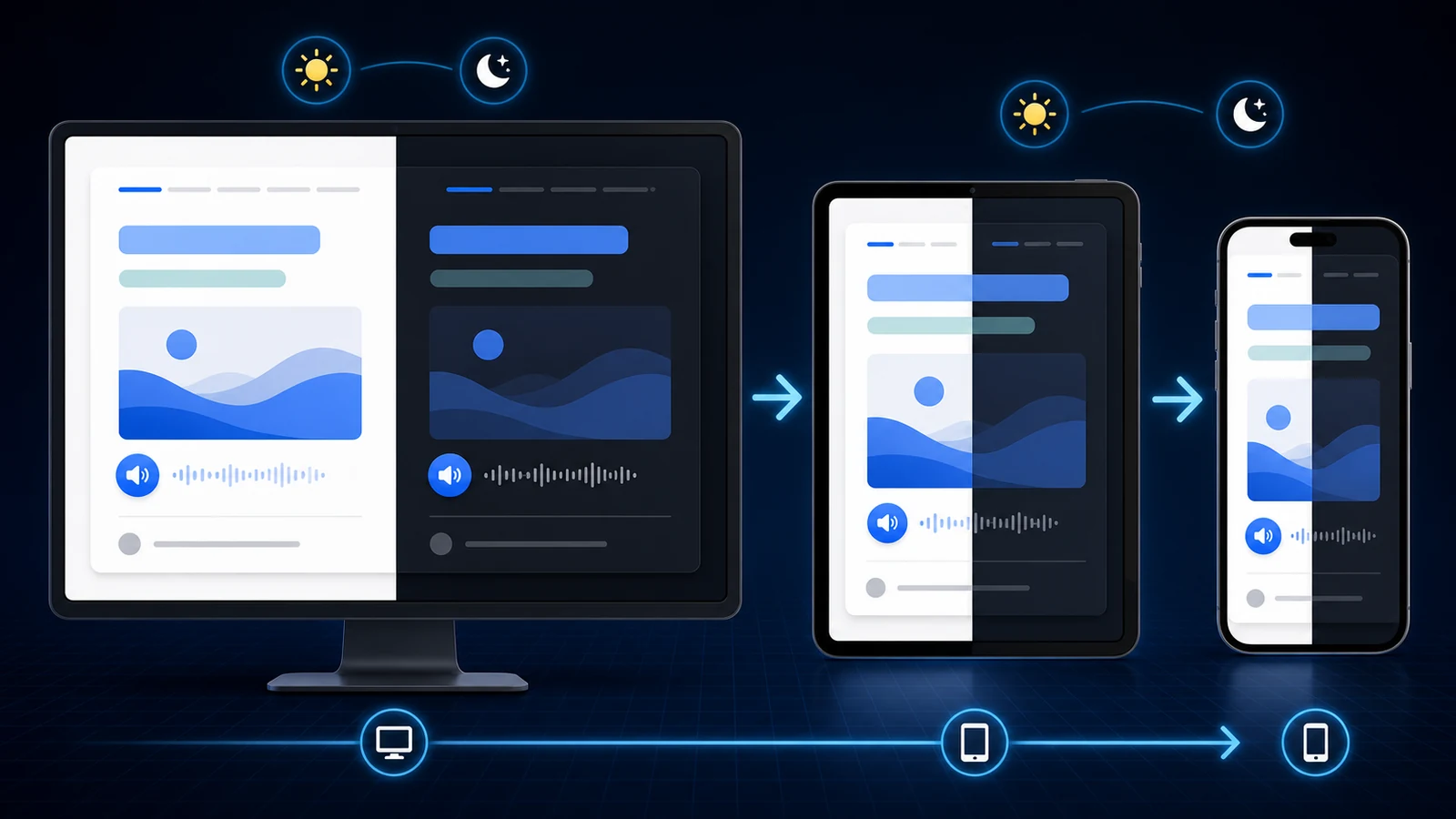
Good Anki card CSS makes the same language card readable on a desktop monitor, a phone, and in night mode. It does not need animation, remote fonts, or a complicated theme. Start with a narrow content column, responsive media, a clear type hierarchy, and styles that do not encode meaning by color alone.
This guide is about presentation, not which fields or card types to create. If you still need to choose a recognition, listening, Cloze, or production layout, start with the language-learning Anki template guide.
Where Anki card CSS lives
Open a note in Anki Desktop, choose Cards…, then select Styling. The front and back templates are HTML; the shared Styling panel is CSS. The official Anki template manual notes that one styling change can update every card generated by that note type.
That shared scope is powerful, so clone a note type before a major redesign:
- Open Tools → Manage Note Types.
- Select the language note type.
- Choose Add → Clone and give the copy a clear name.
- Edit the clone's card templates and Styling panel.
- Move a few test notes to the clone before changing a large collection.
Keep study content in fields and presentation in CSS. A field should store a sentence, meaning, audio, image, or source—not an arbitrary font size copied from a website.
Copyable mobile-friendly Anki CSS
Paste this baseline into the Styling panel. It assumes your templates use class names such as prompt, sentence, meaning, translation, media, image, notes, and source.
* {
  box-sizing: border-box;
}

.card {
  max-width: 42rem;
  margin: 0 auto;
  padding: clamp(1.25rem, 4vw, 2.5rem);
  background: #f7f7f5;
  color: #202124;
  font-family: system-ui, -apple-system, "Segoe UI", sans-serif;
  font-size: clamp(18px, 2.4vw, 22px);
  line-height: 1.6;
  text-align: left;
  overflow-wrap: anywhere;
}

.prompt {
  margin-bottom: 1rem;
  color: #687076;
  font-size: 0.7em;
  font-weight: 700;
  letter-spacing: 0.08em;
  text-transform: uppercase;
}

.sentence {
  font-size: clamp(1.25em, 4vw, 1.65em);
  line-height: 1.4;
}

.meaning,
.focus {
  margin-top: 1.1rem;
  font-weight: 650;
}

.translation,
.notes {
  margin-top: 0.8rem;
  color: #4f565c;
}

.media,
.image {
  margin-top: 1.25rem;
}

.source {
  margin-top: 1.5rem;
  color: #737a80;
  font-size: 0.72em;
}

img {
  display: block;
  width: auto;
  max-width: 100%;
  max-height: min(45vh, 20rem);
  margin: 0 auto;
  border-radius: 0.75rem;
}

hr#answer,
hr.answer {
  margin: 1.75rem 0;
  border: 0;
  border-top: 1px solid #d9dcde;
}

.replay-button svg {
  width: 2rem;
  height: 2rem;
}

.card.nightMode,
.nightMode.card {
  background: #1f2125;
  color: #f2f3f5;
}

.nightMode .prompt,
.nightMode .translation,
.nightMode .notes,
.nightMode .source {
  color: #aeb4ba;
}

.nightMode hr#answer,
.nightMode hr.answer {
  border-top-color: #454a50;
}

@media (max-width: 30rem) {
  .card {
    padding: 1.15rem 0.9rem;
  }

  .sentence {
    line-height: 1.5;
  }
}
Why these rules matter:
max-widthprevents long lines on desktop without forcing a fixed phone width.clamp()lets type and spacing grow within safe limits.overflow-wrapcontains long URLs and unbroken compounds.- Responsive image limits prevent a screenshot from pushing the answer far below the fold.
- Both night-mode selector orders are included because existing note types often attach the classes differently.
The Anki styling reference confirms that the Styling panel accepts CSS, supports field-specific classes, includes platform classes, and allows dedicated night-mode rules.
Support the language's writing system
A system font stack is fast and often sufficient for Latin, Cyrillic, Greek, Hebrew, Arabic, and common CJK text. Test actual learner content, not a short English placeholder. Combining marks, ruby text, long German compounds, and mixed left-to-right and right-to-left fields expose different failures.
Right-to-left fields
Do not reverse the entire interface if only one field is Arabic or Hebrew. Mark that field in the template:
<div class="sentence" dir="rtl">{{Sentence}}</div>
Or create a reusable class:
.rtl {
  direction: rtl;
  text-align: right;
}
<div class="sentence rtl">{{Sentence}}</div>
Anki's manual supports both the CSS direction property and field-level dir="rtl" markup. Field-level direction is safer for bilingual cards because an English meaning and a Hebrew sentence can keep their natural reading directions.
Furigana and ruby text
For Japanese, use Anki's furigana field filter where appropriate rather than trying to position pronunciation with margins:
<div class="sentence japanese">{{furigana:Sentence}}</div>
.japanese {
  font-family: system-ui, "Yu Gothic", "Hiragino Sans", sans-serif;
  line-height: 1.8;
}

rt {
  font-size: 0.55em;
}
Keep language-specific declarations on a field class so they do not unexpectedly change notes, sources, or typed-answer feedback.
Bundled fonts
Only bundle a font when the target script genuinely needs it. The official manual requires template media filenames to start with an underscore so Anki's unused-media check does not remove them. A bundled font adds deck size and another thing to test on every client; a local system stack is the better default.
Make night mode and media predictable
Night mode is more than changing the page background. Muted text, borders, links, code, and Cloze highlights all need adequate contrast.
.cloze {
  color: #1769aa;
  font-weight: 750;
}

.nightMode .cloze {
  color: #73b7ff;
}

a {
  color: #1769aa;
}

.nightMode a {
  color: #8bc5ff;
}
Do not use “red means wrong” as the only signal. Typed-answer comparison already includes structure and alignment; any custom colors should remain distinguishable and readable.
For images, let the browser preserve aspect ratio. Avoid fixed width and height combinations that stretch screenshots. If a card uses a tall portrait image, a viewport-relative max-height keeps the answer reachable.
Audio replay buttons are SVG elements. Size the SVG, not every button on the page. A global button rule can unintentionally modify Anki controls or add-on UI.
Troubleshoot common Anki CSS problems
| Symptom | Likely cause | Fix |
|---|---|---|
| Card is tiny on desktop | Fixed phone width or low root font size | Use max-width and responsive font sizing |
| Card overflows on mobile | Fixed pixel width, long URL, or large media | Remove fixed width; add max-width: 100% and wrapping |
| Night mode has low contrast | Only .card background was changed | Style muted text, borders, links, and Cloze states |
| Arabic sentence aligns incorrectly | Direction set globally or not at all | Apply dir="rtl" to the target-language field |
| Image dominates the review | Width is responsive but height is unlimited | Add a viewport-aware max-height |
| Change affects multiple card types | Styling is shared by the note type | Scope with a class or clone the note type |
| Fancy behavior breaks on one device | Template depends on JavaScript | Remove it unless the learning task truly needs it |
The Anki manual warns that clients can render embedded JavaScript differently and recommends testing across platforms. For a language card, CSS and native field replacements are usually enough.
Test the real review flow on Anki Desktop and the mobile client you use. The preview is useful for layout, but long content, input methods, audio controls, and answer scrolling are best judged during an actual review.
A five-minute CSS quality check
Create test notes containing:
- A short sentence.
- A two-line sentence with punctuation.
- A long unbroken word or URL in Source.
- A portrait and a landscape image.
- Target-script text with accents or combining marks.
- A night-mode review.
- A phone-sized review with the answer revealed.
If all seven remain readable without horizontal scrolling or hidden answers, the style is doing its job. Visual polish should make the retrieval task clearer—not become a second project that delays useful reviews.
Anki CSS FAQ
Where do I paste CSS in Anki?
Open a note in Anki Desktop, choose Cards…, and use the shared Styling panel. Clone the note type first when you want to test a major redesign.
Does Anki card CSS work on mobile?
Standard CSS works across current clients, but fonts, controls, and screen sizes differ. Use responsive widths and media, then test the actual mobile client you review with.
How do I style Anki night mode?
Add rules beneath selectors such as .card.nightMode and .nightMode .source. Restyle backgrounds, text, muted details, borders, links, and Cloze states rather than changing only the background.
How do I display Arabic or Hebrew correctly?
Apply dir="rtl" or a direction class to the target-language field, not the entire bilingual card. That lets meanings and source details keep their natural direction.
Related guides
Anki Card Templates for Language Learning: 4 Copyable Layouts
Compare four copyable Anki card templates for language learning, choose by retrieval goal, install safely, and test HTML, CSS, media, and mobile layouts.
Read article →Anki Type in the Answer for Language Learning
Set up Anki type-in-the-answer cards for spelling, inflections, and Cloze prompts, with copyable templates, comparison behavior, and mobile checks.
Read article →Anki Cards With Audio and Images: When Context Improves Recall
Use audio and screenshots in Anki without turning every language card into a noisy collection of hints.
Read article →