
Workflow
How to Set Up an Anki Sentence-Mining Deck in 5 Steps
Build a sentence mining Anki deck with seven fields, focused front/back templates, tags, CSV or APKG structure, and a five-card setup test.
A good sentence-mining Anki deck needs one custom note type, seven clearly named fields, one focused recognition card, and one broad language deck organized with tags. Start with Sentence, Meaning, Audio, Image, Source, Source Time, and Notes; test five deliberately different notes before you import a real batch.
This guide is about the setup itself. If you are still deciding what to collect, begin with what sentence mining means or the broader sentence-mining-with-Anki workflow. Once you have candidate sentences, use the system below to store them consistently without creating a maze of decks and templates.
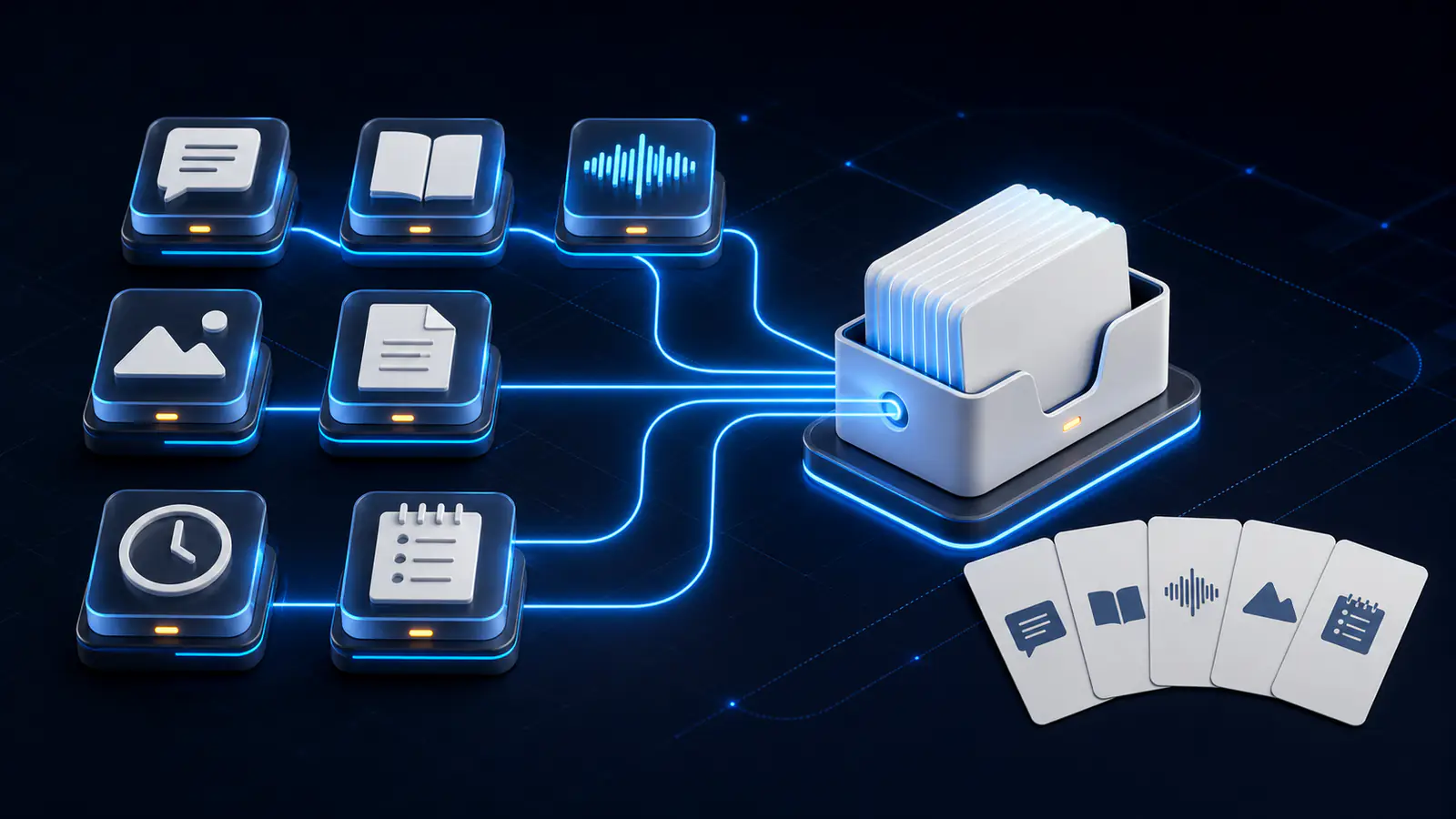
1. Create one minimal sentence-mining note type
In Anki desktop, open Tools → Manage Note Types, clone Basic, and name the copy something stable such as Language — Sentence Mining v1. Cloning gives you a safe baseline and avoids changing unrelated Basic notes.
Keep one card type at first: sentence recognition. A note is the stored bundle of fields; a card is the question-and-answer view Anki generates from that note. The official Anki overview explains why one note type can create one or more card types. More templates do not make the deck more complete—they create more scheduled cards.
Do not add a listening or production card until the recognition card has survived real reviews. This keeps setup failures small and makes duplicate cards obvious.
2. Add seven fields in a fixed order
Open Fields for the cloned note type, remove the inherited fields, and add these seven in order:
| Field | What belongs there | Example |
|---|---|---|
Sentence | Complete target-language sentence | Non ci avevo pensato. |
Meaning | Concise meaning in this context | I hadn't thought of that. |
Audio | Anki sound reference or recorded audio | [sound:train-001.mp3] |
Image | One contextual image when it helps | Pasted or imported image |
Source | Stable title, filename, or permitted URL | Episode 3 — Station scene |
Source Time | Exact location in the source | 00:12:34.500 |
Notes | Brief usage, grammar, or register note | ci refers to the suggestion |
The field names are a contract with the template and import file. Anki field replacements are case-sensitive, so {{Source Time}} will not find a field named Source time. The official field-replacement documentation covers exact replacements and conditional sections.
Keep media in separate fields even when it is optional. This lets you move audio to the front later, hide an empty image block, or find a missing file without dismantling a combined Front field. For a deeper explanation of this structure, see the Anki card fields guide.
3. Give the front one job and the back the evidence
Use sentence recognition as the default card. It asks one fair question: “Do I understand this sentence?”
Front template
<div class="sentence">{{Sentence}}</div>
{{#Audio}}<div class="audio">{{Audio}}</div>{{/Audio}}
Back template
{{FrontSide}}
<hr>
<div class="meaning">{{Meaning}}</div>
{{#Image}}<div class="image">{{Image}}</div>{{/Image}}
{{#Notes}}<div class="notes">{{Notes}}</div>{{/Notes}}
{{#Source}}
  <div class="source">{{Source}}{{#Source Time}} · {{Source Time}}{{/Source Time}}</div>
{{/Source}}
Audio on this front supports listening while the transcript is visible; move Audio to the front by itself only when you intentionally add an audio-first card. Avoid automatically reversing Meaning and Sentence: an English prompt can have several valid target-language answers.
Anki card templates are HTML with shared CSS, and a template change updates every card of that type. Preview both sides in the Cards window, as described in the official card-template guide. For alternative reading, listening, Cloze, and production layouts, use the best Anki card-format guide rather than crowding them into this starter setup.
4. Use one deck plus hierarchical tags
Create one broad deck for the language, such as Japanese::Sentence Mining or Spanish::Sentence Mining. Do not make a subdeck for every show, speaker, grammar point, or month.
Use tags for overlapping properties:
source::station-interviewsskill::listeningtopic::travelstatus::needs-audiolevel::mostly-known
The Anki manual's organization guidance recommends decks for broad categories and tags for narrower, overlapping groupings. Tags attach to the note, so sibling cards created from the same sentence share them.
Choose names you can type and predict. Use lowercase tag segments, hyphens inside a segment, and :: only for hierarchy. Keep Source human-readable; keep tags compact and machine-filterable. If a source title changes, the timestamp and filename should still let you recover the moment.
5. Make the data import-ready
For a CSV or tab-separated import, put one note on each row and keep columns in the same order as the fields. Add tags as a separate import column rather than inventing a Tags field—Tags is a special Anki value.
#separator:Tab
#html:true
Sentence	Meaning	Audio	Image	Source	Source Time	Notes	Tags
Non ci avevo pensato.	I hadn't thought of that.	[sound:train-001.mp3]		Episode 3 — Station scene	00:12:34.500	ci refers to the suggestion	source::episode-3 topic::conversation
Save text as UTF-8, confirm the separator, map every column in the import preview, and select the new note type and broad deck. Anki can map a text column directly to tags; its official text-import guide also explains file headers, HTML, duplicates, and importing media from the collection media folder.
CSV or TSV is best for editable rows. APKG is best for a portable, already-tested package containing the note type and, when selected during export, its media. Build and review the note type in Anki first, then export the deck as APKG; do not treat an APKG as a spreadsheet you hand-edit. The free language-learning Anki template provides inspectable templates and a five-row starter text file if you want a working reference.
Run a five-card setup test before scaling
Add exactly five representative notes before importing your collection:
- Plain text: a short sentence and meaning with every optional field empty.
- Audio: a note with a real playable clip and no image.
- Image: a note with both media fields so you can check scale and answer leakage.
- Stress case: a long sentence with accents, non-Latin script, or right-to-left text.
- Complete source: every field filled, including a precise timestamp and note.
Preview front and back, then review each card once. Confirm there are five notes and five cards, the answer stays hidden until reveal, empty optional blocks disappear, audio replays, images fit on mobile width, long text wraps, and source details remain readable. Export those five as an APKG and import them into a disposable profile if the deck will be shared.
This tiny test catches field-name mismatches, blank backs, broken media, duplicate card types, and CSS problems before they spread through hundreds of notes.
Common sentence-mining deck setup mistakes
- Putting everything in one field. You lose the ability to rearrange or search the evidence cleanly.
- Creating one deck per source. Review organization becomes rigid; use source tags instead.
- Adding reversed, listening, and production cards immediately. One note may silently create several reviews.
- Using unstable names.
Back2andExtrado not explain what future imports should contain. - Leaving the source vague. A URL without a title or timestamp is hard to verify later.
- Bulk-importing before a five-card test. Mapping or template errors multiply with the batch.
- Treating generated text as verified. Check the sentence, meaning, audio boundary, and permission to retain media.
VidToAnki remains a private beta. Its workflow explores turning permitted video moments into structured deck material, but this guide describes an independent Anki setup you can build and test today—not a promise of general availability or a fixed VidToAnki note type.
Sentence-mining Anki deck setup FAQ
What fields should a sentence-mining Anki deck have?
Start with Sentence, Meaning, Audio, Image, Source, Source Time, and Notes. Keep optional evidence separate so templates and imports remain flexible.
Should sentence-mining cards be in one deck or many decks?
Use one broad deck per language or study program and organize sources, skills, and topics with hierarchical tags. Create another deck only when you genuinely need separate study settings or sessions.
Is CSV or APKG better for a sentence-mining deck?
Use UTF-8 CSV or TSV for editable, mappable rows. Use APKG after the note type, templates, and media have been tested and you need a portable Anki package.
How many cards should I test before a bulk import?
Test five cards: plain text, audio, image, a typography stress case, and one complete note. That small set exposes most structural problems without creating a cleanup project.
Related guides
Sentence Mining With Anki: Examples, Template, and Checklist
Learn how to sentence mine with Anki: choose one-target sentences, see a complete card example, use a practical template, and control review load.
Read article →Anki Card Fields for Language Learning: A Clean Setup
Build reusable Anki note fields for sentence, focus, meaning, translation, audio, image, source, and notes without locking content into one layout.
Read article →Anki Card Templates for Language Learning: 4 Copyable Layouts
Compare four copyable Anki card templates for language learning, choose by retrieval goal, install safely, and test HTML, CSS, media, and mobile layouts.
Read article →What Is Sentence Mining? A Practical Beginner's Guide
Learn what sentence mining is, how one useful moment becomes a focused Anki card, what to save, and how to avoid turning immersion into data entry.
Read article →