
Workflow
Podcast to Anki: Turn Transcripts Into Better Cards
Turn permitted podcast transcripts into focused Anki cards with verified audio, accurate spoken-language text, source timestamps, and a practical QA workflow.
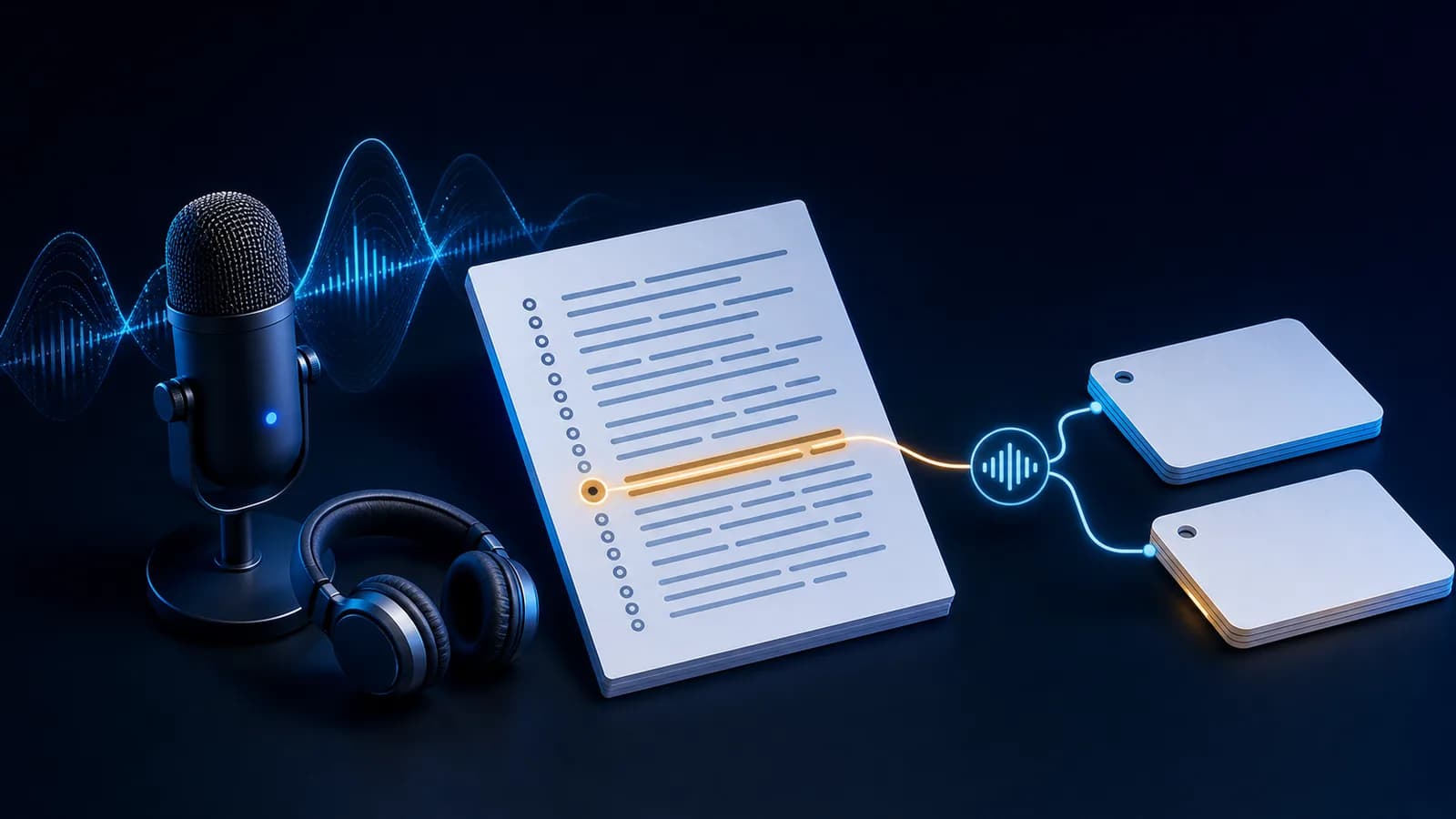
To turn a podcast into Anki cards, start with an episode you may access and process, use its transcript to find a few useful moments, verify every selected sentence against the audio, and save each note with Sentence, Meaning, Audio, Source, Episode, and Time fields. Make the card audio-first when listening is the skill; make it text-first when the written expression is the target.
The transcript is a search tool, not a ready-made deck. Podcast speech contains false starts, contractions, speaker changes, and punctuation choices that often need checking. A selective podcast transcript to Anki workflow preserves the speaker's intended wording and enough episode context to repair the card later.
Choose a transcript-backed episode you can use
Begin with a podcast you can lawfully access and a transcript the publisher provides, licenses for reuse, or otherwise permits you to process. An official transcript is usually easier to navigate than an automatic draft, but neither should replace listening to the selected audio.
Before clipping anything, check the publisher's terms and the law that applies to you. Access to an episode or public transcript does not automatically grant redistribution rights. In the United States, the Copyright Office explains that fair use depends on four factors, not a fixed number of seconds or a blanket educational exception. Other countries use different rules. When permission is unclear, keep the work private, use the smallest excerpt needed for your own study, and do not share a deck containing someone else's audio or transcript.
Choose an episode with:
- clear speech and limited overlapping dialogue;
- a searchable or timestamped transcript;
- language close enough to your level that useful lines stand out; and
- a topic you would still value revisiting after the novelty fades.
Locate useful moments with timestamps
Read or search the transcript after listening, rather than stopping the episode for every unfamiliar word. Mark a compact list of candidate timestamps: a useful phrase, a pronunciation contrast, or a sentence whose meaning became clear from the discussion.
Then reopen each moment and listen beyond the transcript cue. Podcast transcripts may join two turns, omit a short response, or place a timestamp at the start of a paragraph rather than the exact sentence. Record a precise time such as 18:42, plus a short lead-in if the target depends on the previous clause.
Do not make a card merely because a line is easy to copy. Apply the sentence-selection filter: prefer one useful target, mostly understandable context, verifiable wording, and lasting review value.
Clean spoken-language transcripts carefully
Preserve what the speaker actually said while removing only artifacts that make the written field misleading. That usually means:
- joining a sentence split across transcript blocks;
- separating two speakers accidentally merged together;
- restoring obvious punctuation and capitalization;
- checking names, numbers, contractions, and short function words; and
- keeping meaningful discourse markers such as “well,” “actually,” or “you know” when they are part of the target.
Do not silently rewrite informal speech into textbook language. If the speaker says “gonna” and reduced speech is the listening target, store what was said and explain the standard form on the back. If a false start is irrelevant, you may trim the clip to the clean clause; if it changes the meaning or rhythm, keep it.
When one word remains uncertain, slow down and compare the surrounding discussion. If the uncertainty is the learning target, skip the card rather than memorizing a guess.
Clip only the short audio the card needs
Make one private study clip per accepted sentence. Include a small lead-in, the complete utterance, and enough trailing sound to avoid an abrupt cut. Remove unrelated commentary, ads, music, and long silence. The detailed Anki audio-trimming workflow explains how to set natural boundaries without cutting consonants or word endings.
Use a portable format and stable filename such as show-episode-018m42s.mp3. The Anki Manual's media guide says MP3 is among the most broadly supported audio formats and recommends Tools → Check Media after manually adding files. “Broadly supported” still means you should test the devices you use.
Keep the clip in your personal collection unless the rights holder allows redistribution. Do not publish the audio, attach it to a shared deck, or use tools to circumvent access controls.
Store Source, Episode, and Time separately
A durable podcast note should separate content from provenance:
| Field | Example | Why it matters |
|---|---|---|
Sentence | I didn't catch that the first time around. | Verified transcript text |
Meaning | I failed to understand it initially. | Contextual explanation |
Audio | [sound:show-episode-018m42s.mp3] | Listening evidence |
Source | Clear Speech Podcast | Recoverable show label |
Episode | Episode 27: Repairing Misunderstandings | Exact episode context |
Time | 18:42 | Fast return to the moment |
Notes | catch = understand/hear successfully here | One focused clarification |
Anki card templates decide which fields appear on the question and answer, so separate fields let you change the review layout without rewriting every note. That behavior is documented in the official card-template guide. Keep the episode and time on the back: provenance helps verification, but it should not become an answer hint.
Choose listening-first or text-first
Use the smallest front that tests your intended skill. The listening-card guide covers the full template and grading logic.
| Goal | Front | Back |
|---|---|---|
| Understand connected speech | Short audio only | Transcript, meaning, source, episode, time |
| Notice a phrase in writing | Sentence, with one clear target | Meaning, audio, notes, provenance |
| Compare sound and spelling | Audio plus a narrow prompt | Transcript with the relevant form marked |
Do not show audio, full transcript, translation, and a giveaway image together on the front. The audio-and-image card guide explains when media restores context and when it leaks the answer. For podcast material, an image is usually unnecessary unless the publisher supplies one you may use and it genuinely clarifies the episode context.
Batch cards without losing episode context
Batching is useful after selection, not before it. Mark timestamps during or after the episode, verify all candidates in one listening pass, clean their text together, and then build a small batch with the same Source and Episode values. This reduces repetitive entry while keeping each card independently understandable.
Set a limit before you begin—perhaps the best three to eight moments from an episode, adjusted to your review capacity. A whole transcript converted line by line produces duplicates, context-dependent fragments, and review debt. Keep the richer context in the source fields instead of expanding every card.
If importing a tab-separated or CSV batch, save it as UTF-8, map every column deliberately, and preview the result. The Anki Manual's text-import instructions explain field mapping and the [sound:filename.mp3] reference used for imported audio.
Manual workflow versus VidToAnki today
Everything above is a general manual workflow. The current VidToAnki private beta is centered on permitted MP4 input and an import-ready APKG workflow. It does not promise podcast-feed downloading, pasted podcast URLs, standalone audio upload, or transcript-file import. Confirm current beta input support before planning a product-specific podcast workflow.
If a permitted source happens to fit the beta's supported input, VidToAnki may reduce repetitive deck-production work. You still decide whether the source may be processed, which sentences are worth keeping, whether transcript edits are accurate, and whether any extracted audio may be stored or shared.
Podcast card QA checklist
Before importing more than a sample, check every card:
- The clip contains one complete, natural utterance.
- The transcript matches the audio, including speaker and contraction.
- The front tests listening or reading—not both accidentally.
- The back explains this contextual meaning concisely.
-
Source,Episode, andTimereopen the exact moment. - The media plays on the Anki clients you use.
- The clip stays private unless redistribution is authorized.
- You would still want to review the card next month.
For a media-format tradeoff, compare video clips with audio and screenshots. Podcast cards usually favor audio alone because motion is not part of the source.
Podcast to Anki FAQ
Can I turn a podcast transcript into Anki cards?
Yes, when you may access and process the episode and transcript. Use the transcript to find candidates, verify each line against the audio, and keep only focused sentences worth reviewing.
Should podcast Anki cards be audio-first or text-first?
Use audio first for listening comprehension or sound-form mapping. Use text first when the written phrase, spelling, or grammar pattern is the retrieval target.
Can I share a deck containing podcast audio clips?
Only when the rights holder or license allows it, or another applicable legal basis clearly covers the use. Personal educational intent alone does not automatically authorize redistribution.
Does VidToAnki import podcast feeds or transcripts?
Do not assume it does. The current private beta is centered on permitted MP4 input and an import-ready APKG workflow; confirm current input support before relying on a product-specific path.
Related guides
How to Make Anki Listening Cards for Language Learning
Build an audio-first Anki listening card with focused clips, separate transcript and meaning fields, copyable templates, and a practical review checklist.
Read article →How to Trim Audio Clips for Anki Cards
Trim clean sentence-level audio for Anki without cutting speech, preserving unnecessary dialogue, or giving away the answer before recall.
Read article →Anki Cards With Audio and Images: When Context Improves Recall
Use audio and screenshots in Anki without turning every language card into a noisy collection of hints.
Read article →How to Choose Sentences for Sentence Mining
Use a five-part filter to choose understandable, useful, one-target sentences with clean context and avoid low-value cards that inflate reviews.
Read article →Anki Video Clips vs Audio and Screenshots
Choose short video clips or audio-plus-screenshot cards by learning goal, file size, review speed, device support, and the context each format preserves.
Read article →