
Workflow
Best Anki Settings for Sentence Mining (FSRS Guide)
Configure FSRS, retention, learning steps, daily limits, sibling burying, audio, and leeches for a sustainable sentence-mining review workload.
The best Anki settings for sentence mining are a cautious starting point, not a universal preset: use FSRS when every Anki client you sync supports it, begin around 90% desired retention, keep learning steps short, introduce fewer new cards than your review capacity can absorb, and protect due reviews before adding more. Then adjust one setting at a time from your real workload.
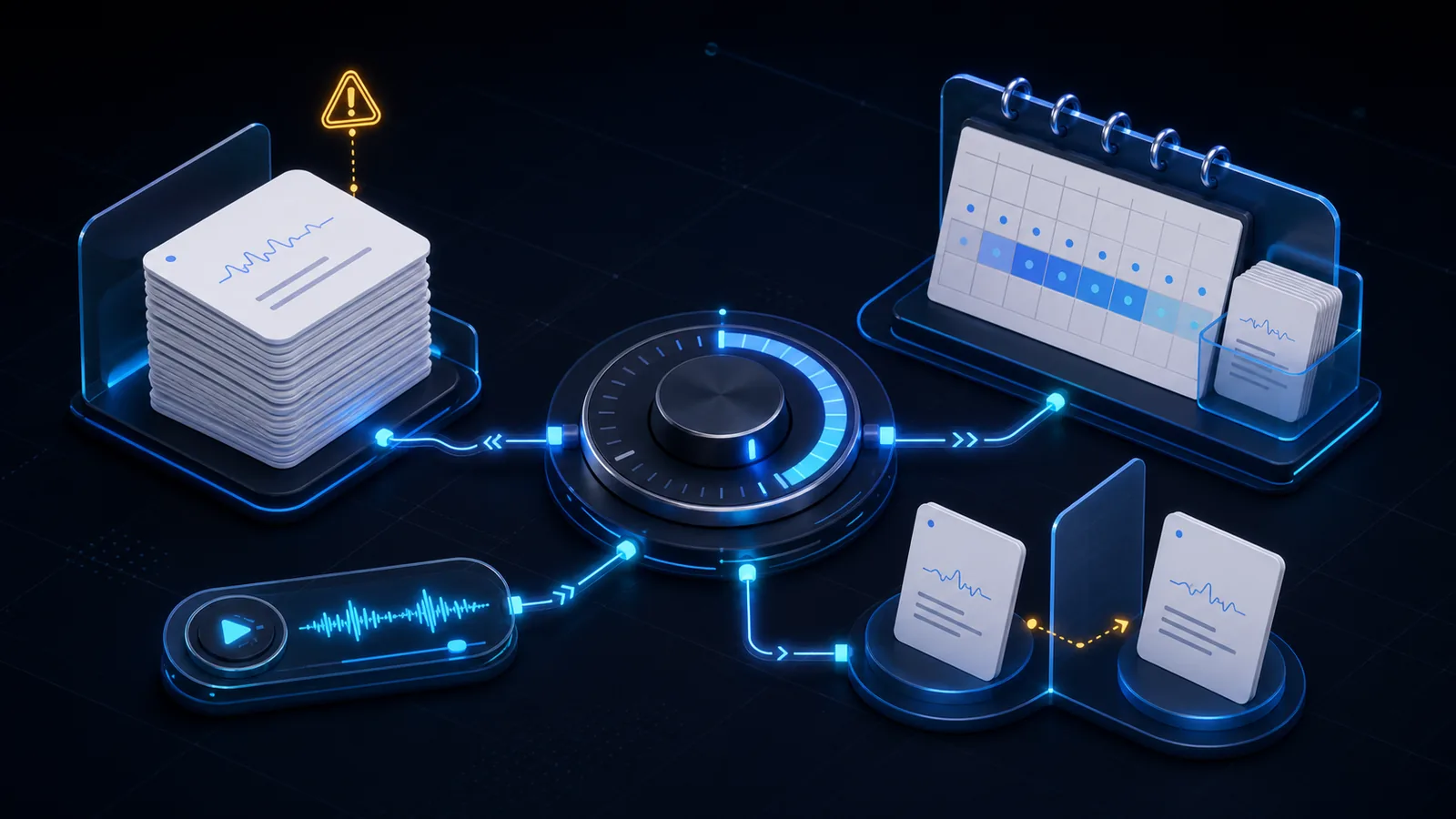
A conservative sentence-mining starter profile
Create or clone a preset for mined language cards so experiments do not silently change unrelated decks. Anki's deck-options manual explains that decks sharing a preset also share its options.
This profile is intentionally modest:
| Setting | Conservative start | Why |
|---|---|---|
| FSRS | On, after checking every client | Uses your review history instead of copied interval rules |
| Desired retention | 0.90 | Anki's default balance of recall and workload |
| Learning steps | 10m | One same-day repetition without a long fixed ladder |
| Relearning steps | 10m | Brief relearning, then return scheduling to FSRS |
| New cards/day | 5 | Small enough to observe the downstream review cost |
| Maximum reviews/day | High enough to show all due reviews | Avoid hiding an accumulating backlog |
| New cards ignore review limit | Off | Stops new cards when review capacity is already used |
| New/review order | Show new after reviews | Pays review debt before creating more |
| Review sort order | Due date, then random | A sound default when you are current |
| Bury siblings | On for new, review, and interday learning | Separates cards generated from the same note |
| Leech action | Suspend at the default threshold | Turns repeated failure into an editing queue |
Five new cards is not a magic number. If your existing decks already consume your available time, the right starting limit is zero. Use the card-budget guide to connect mining volume to review capacity rather than video length.
Enable FSRS carefully and leave room for forgetting
FSRS is available in current Anki clients, but compatibility matters across the whole collection. Before enabling it, verify every desktop and mobile client you sync. The official FSRS setup guide lists the supported minimums and notes that FSRS is enabled globally, not for only one preset.
Start desired retention at 0.90. This means Anki aims to schedule reviews around a 90% probability of recall; it does not promise that every ten-card session will contain exactly one failure. Raising retention shortens intervals and increases reviews nonlinearly. A setting such as 0.95 may suit high-stakes material, but it is not automatically better for a growing collection of everyday mined sentences.
Use Again when you failed to recall. Under FSRS, Hard is still a passing grade: you remembered with difficulty. Calling forgotten cards Hard teaches the scheduler the wrong pattern.
After you have meaningful review history, use Optimize rather than pasting another learner's parameters. Anki advises against editing or copying FSRS parameters manually and says monthly optimization is sufficient. When first switching, leave Reschedule cards on change off unless you understand and accept the possible immediate backlog.
Keep learning steps short
Use one short step such as 10m, or keep the existing same-day defaults if they fit your sessions. Avoid steps of one day or longer with FSRS. The manual recommends minimal steps shorter than a day because repeated same-day exposure contributes little to long-term memory and long fixed ladders can conflict with FSRS intervals.
Current Anki can also let FSRS handle short-term scheduling when learning and relearning steps are empty, but the manual labels that behavior experimental. A single 10m step is the more conservative starter choice.
Set new-card limits from review capacity
New cards are future reviews. Anki's manual gives a rough warning that consistently adding 20 new cards per day can grow toward about 200 daily reviews, although your material and memory will differ.
Start with five mined cards per day for two weeks. If due reviews remain complete and the total session fits your time budget, add one or two daily new cards for the next week. If you skip due cards, reduce new cards immediately; if a backlog exists, set new cards to zero until it clears. For a time-based estimate and a shorter trial, use the guide to choosing how many new Anki cards per day.
Do not use Maximum reviews/day as a normal workload target. A low ceiling hides due cards without removing the debt. Set it comfortably above your expected workload, keep New cards ignore review limit off, and control growth with the new-card limit. The official daily-limits section explicitly recommends stopping new cards when overdue reviews accumulate.
For selection quality, filter candidates before they ever reach this queue. The sentence-selection guide gives a five-part test for useful, mostly understandable, one-target sentences.
Configure siblings, display order, and audio
Enable all three sibling-burying options when one note creates listening, reading, reverse, or multiple Cloze cards. Burying delays another card from the same note until the next day, reducing the chance that one sibling reveals the answer to the next. It does not fix redundant card design: decide whether you need multiple directions with the Basic-versus-Cloze guide.
For a current deck, Due date, then random is the manual's recommended review order. Show new cards after reviews if your main risk is creating more cards than you finish. For new cards, Random notes can prevent a batch from one video appearing in source order; chronological neighbors often cue one another. If you deliberately mine a graded sequence, ascending position can be reasonable instead.
Audio should follow the retrieval task:
- For dedicated listening cards, leave automatic playback on so sound is the prompt.
- For reading cards with audio only as feedback, place sound on the back or enable Don't play audio automatically when autoplay leaks the test.
- Test replay on the answer side. Anki notes that audio inside
{{FrontSide}}is not automatically replayed there.
These are test-design decisions, not scheduler optimizations. A card should make one honest attempt possible before it supplies extra context.
Use leeches and statistics as feedback
Keep leech suspension enabled at the default threshold of eight lapses. Anki's leech guide explains that a leech is expensive precisely because repeated failures consume disproportionate review time. For mined sentences, suspension should start diagnosis:
- Check whether the sentence has more than one real target.
- Verify the transcript, meaning, and audio boundary.
- Remove hints that make success accidental or add context that makes the prompt fair.
- Delete the card if the expression is no longer worth the cost.
- Unsuspend only after changing something meaningful.
Review your results over weeks, not one bad day. In Anki's statistics guide, the True Retention table treats Again as a failure and Hard, Good, and Easy as passes; the manual cautions that monthly data is more useful than noisy daily results.
For answer-button grading and a short session sequence, use the daily sentence-card review guide. Keep this settings guide focused on the preset; use that guide when a due card is already on screen.
Track three signals: whether due reviews are completed, the median time your sessions require, and whether leeches share a production problem. Change new-card volume first. Change desired retention only when the workload is stable enough to reveal a real tradeoff.
Do not copy old forum presets blindly
Many famous presets were designed for the legacy SM-2 scheduler. Their graduating interval, starting ease, easy bonus, interval modifier, and long relearning ladders may be hidden or irrelevant when FSRS is enabled. Other presets reflect an exam deadline, a mature collection, or a tolerance for hundreds of daily reviews that you may not share.
Avoid copying:
- someone else's FSRS parameters;
- multi-day learning steps intended to prevent old “ease hell” behavior;
- an arbitrary one-year maximum interval that forces unnecessary reviews;
- large new-card limits without measuring later reviews; or
- several changes at once, which makes the result impossible to diagnose.
Start from current defaults, apply the small profile above, and let actual review behavior earn each later change. Settings cannot rescue unfocused source material; use the broader sentence-mining workflow to improve the cards themselves.
Anki sentence-mining settings FAQ
What desired retention should I use for sentence mining?
Start with FSRS's default 0.90. Raise it only if the additional reviews fit your real time budget and the material justifies higher recall. Values near 100% become disproportionately expensive.
How many new sentence-mining cards should I add per day?
Five is a cautious experiment, not a rule. Start lower when you have other decks, stop new cards during a backlog, and increase only after two stable weeks of completing due reviews.
Should sentence-mining cards use a 1m 10m 1d learning ladder?
Not by default with FSRS. Keep steps minimal and shorter than one day; a single 10m step is a conservative start. Current Anki can use empty steps for experimental FSRS short-term scheduling.
Should I bury sibling cards in a sentence-mining deck?
Usually yes. Bury new, review, and interday-learning siblings so listening, reading, reverse, or Cloze cards from one note do not cue each other on the same day.
Related guides
Sentence Mining With Anki: Examples, Template, and Checklist
Learn how to sentence mine with Anki: choose one-target sentences, see a complete card example, use a practical template, and control review load.
Read article →How Many Anki Cards Should You Make From One Video?
Set a sustainable card budget for each video using your review capacity, card format, current workload, and the value of each candidate sentence.
Read article →How to Choose Sentences for Sentence Mining
Use a five-part filter to choose understandable, useful, one-target sentences with clean context and avoid low-value cards that inflate reviews.
Read article →How to Make Anki Listening Cards for Language Learning
Build an audio-first Anki listening card with focused clips, separate transcript and meaning fields, copyable templates, and a practical review checklist.
Read article →Anki Basic vs Cloze for Language Learning
Choose Anki Basic or Cloze by the skill you want to practice, compare the same sentence in both formats, and avoid ambiguous prompts or extra reviews.
Read article →How to Review Sentence-Mining Cards in Anki: Daily Guide
Review sentence-mining cards with honest grading rules, quick card repairs, leech handling, audio-first checks, and a sustainable 15-minute routine.
Read article →