
Card design
Add Source Timestamps to YouTube Anki Cards
Store useful source timestamps on video-derived Anki cards so you can reopen the exact scene, verify context, repair errors, and avoid cluttered prompts.
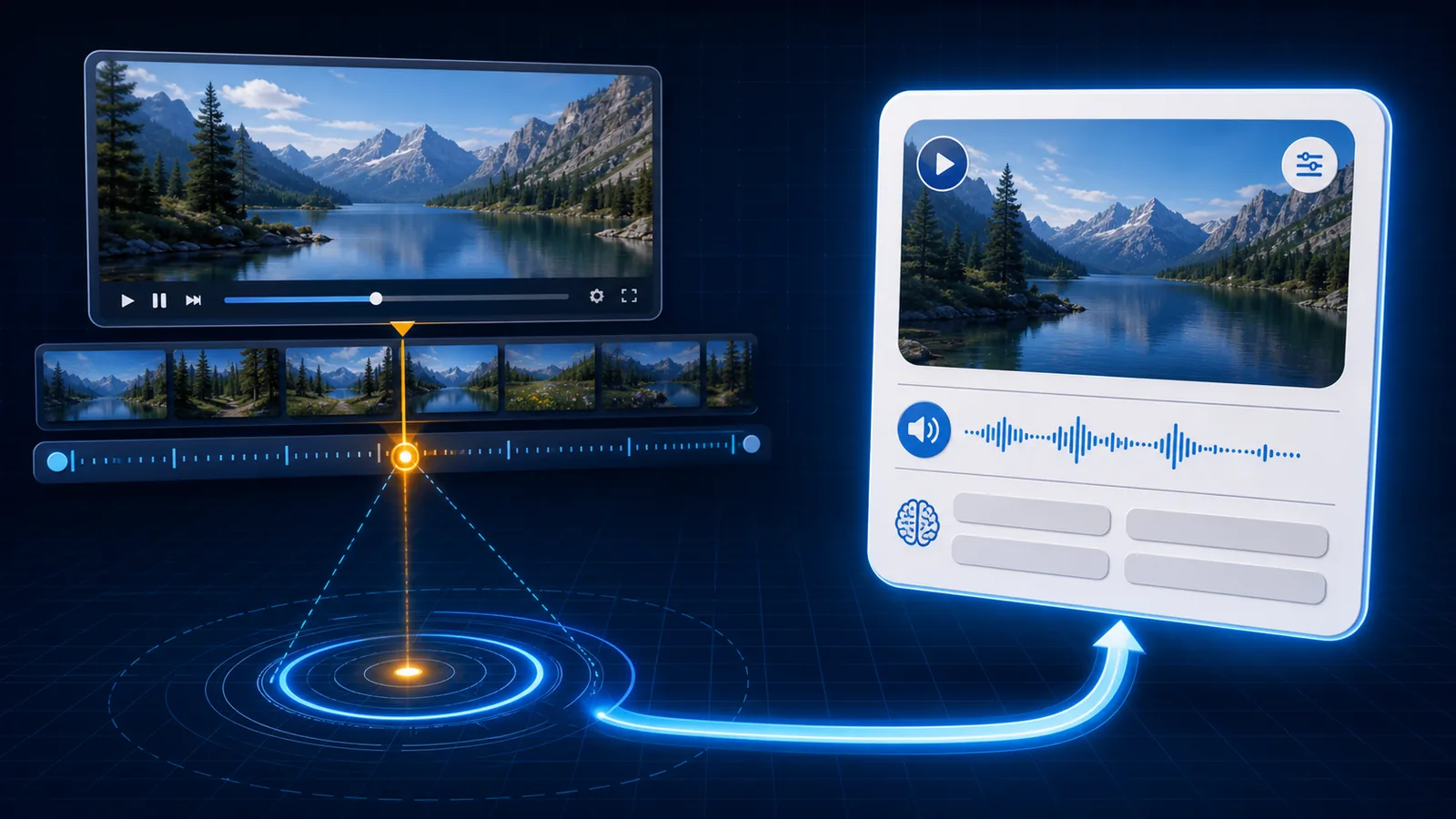
A source timestamp is a maintenance tool, not decoration. It lets you reopen the exact video moment, check what the speaker actually said, recover surrounding context, and repair a card without searching the entire source again.
Keep the source on the back. During recall it is usually a hint; after recall it becomes evidence.
Why timestamps matter
Video-derived cards can fail later:
- an automatic caption used the wrong homophone;
- a pronoun makes no sense without the previous line;
- the translation was too literal;
- the audio clip begins too late;
- the screenshot suggests the wrong speaker; or
- the source title is no longer memorable.
Without a source, correction becomes a new research task. With a title and timestamp, you can reopen the scene and decide whether to edit or delete the card.
Source data also helps organize a collection. You can find every note from an episode, compare repeated expressions, or retire cards from a source whose transcript proved unreliable.
Design the Source field
Store source information separately from Sentence, Notes, and Tags. A clear text pattern works across clients:
Video title — 12:34
For a permitted web source, you may store a stable timestamped link. For a permitted local MP4, store a filename or collection label plus the time.
Prefer:
- a recognizable title;
- a precise timestamp;
- an optional creator or series label; and
- a stable canonical URL when linking is appropriate.
Avoid:
- session URLs;
- unrelated campaign or tracking parameters;
- a bare
12:34with no source identity; - embedding the whole citation in the Sentence field; or
- filenames that reveal personal folders or temporary download locations.
The Anki fields guide shows how Source fits beside audio, image, meaning, and notes.
Timestamp the relevant boundary
Choose the moment that reliably reopens the target. If the utterance begins at 12:34.8, linking to 12:33 may preserve a natural lead-in. A timestamp several seconds late can open after the learning target has already passed.
The visible timestamp and the audio clip do not need identical boundaries. The clip should be a focused review unit; the source link should make the surrounding context easy to recover.
Show the source safely
Place Source on the back beneath the answer:
{{FrontSide}}
<hr>
<div class="meaning">{{Meaning}}</div>
{{#Audio}}<div class="audio">{{Audio}}</div>{{/Audio}}
{{#Source}}<div class="source">{{Source}}</div>{{/Source}}
Use a subdued style:
.source {
  margin-top: 1.25rem;
  color: #8f98a8;
  font-size: 0.82rem;
  line-height: 1.5;
}
Do not autoplay or automatically open an external source during review. The link should be available when verification is needed, not interrupt every answer.
If you create clickable links, label them descriptively and test desktop and mobile clients. Keep a plain-text title and timestamp even when a link exists so the card remains understandable if the destination changes.
Source is not the same as Tags
Source answers “Where did this example come from?” Tags answer “How do I want to group or find it?” A note can have:
Source: Series title — Episode 3 — 12:34
Tags: spanish listening travel informal
Do not repeat a long source string as several tags.
Use sources to repair cards
When a review feels wrong:
- Commit to an answer before opening the source.
- Compare the stored transcript with the audio clip.
- Open the source at the timestamp.
- Listen to the surrounding exchange.
- Correct sentence, meaning, speaker, or boundary.
- Decide whether the card still has one useful target.
- Delete it when the uncertainty cannot be resolved.
For YouTube videos with captions, the official transcript view can jump from a transcript line to the corresponding point in the video. For your own caption tracks, YouTube Studio also lets creators adjust timing and download caption files through its caption editor.
Use video and caption material only when you have the relevant permission, license, ownership, or applicable legal right. The source field records provenance; it does not create permission.
For a complete permitted-video workflow, use YouTube subtitles to Anki or the broader YouTube-to-Anki guide.
Source timestamp FAQ
Why add a timestamp?
It lets you reopen the exact context, verify a questionable transcript or meaning, and repair the card without searching the whole video.
Should the source appear on the front?
Usually no. Put it on the back so it supports verification without becoming a recall hint.
What should Source contain?
A stable source label and timestamp or permitted local reference. Avoid temporary session URLs and unrelated tracking parameters.
Related guides
YouTube to Anki: Make Flashcards With Audio and Images
Turn permitted YouTube video moments into Anki flashcards with verified subtitles, trimmed audio, useful images, source timestamps, and an APKG deck.
Read article →YouTube Subtitles to Anki: A Reliable Card Workflow
Turn permitted YouTube caption moments into focused Anki cards by selecting useful cues, checking transcript accuracy, aligning audio, and preserving source context.
Read article →Anki Card Fields for Language Learning: A Clean Setup
Build reusable Anki note fields for sentence, focus, meaning, translation, audio, image, source, and notes without locking content into one layout.
Read article →